Ink
As natural as
a sharp pencil.
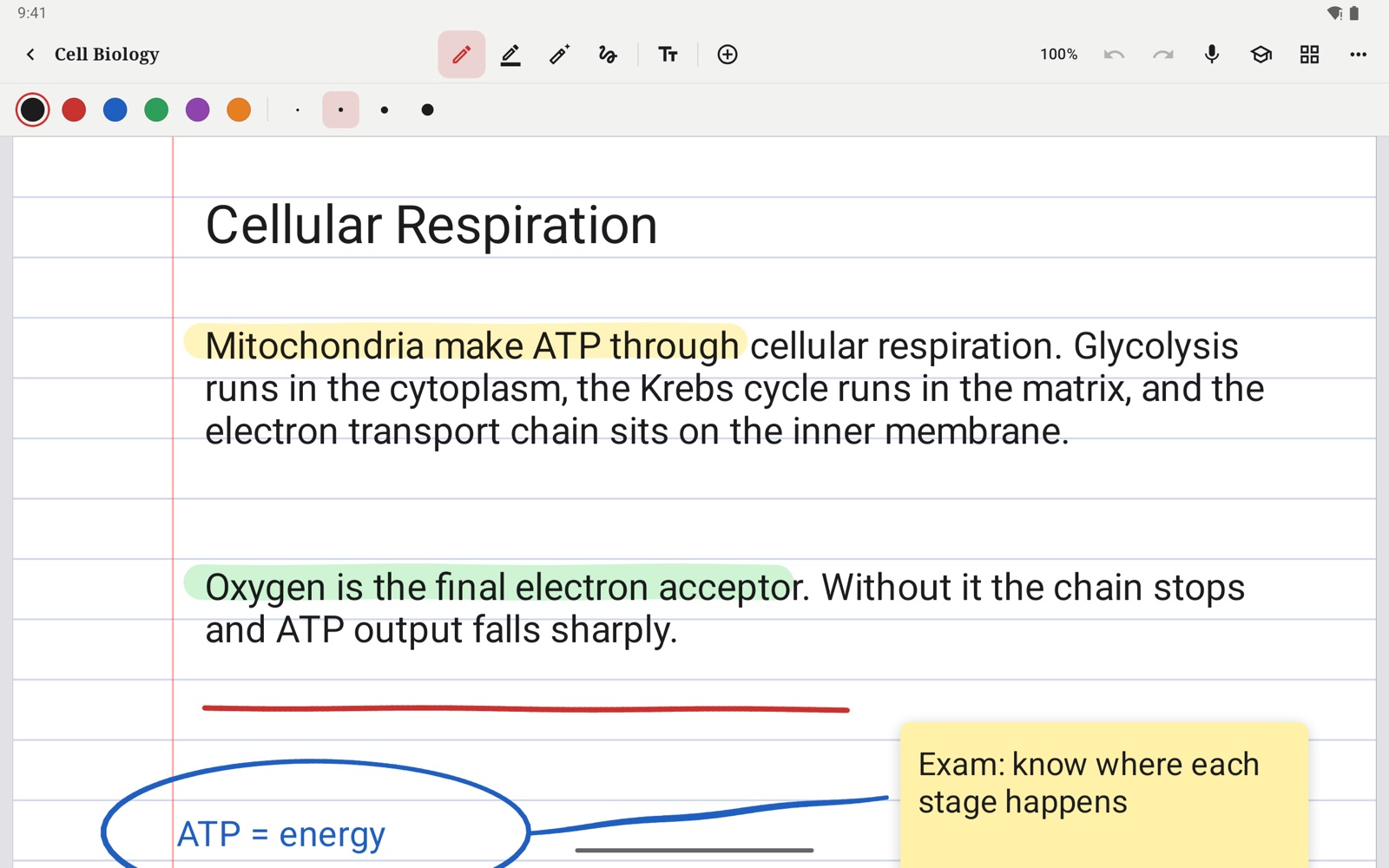
Pressure and tilt shape every line, and your palm can rest on the page. Scratch something out to erase it. Finish a stroke and hold still, and it snaps into a clean line, circle or box.
 Margin
Download
The note-taking and PDF app that feels like paper, and answers questions from what you wrote. Its AI can run entirely on your own device.
Free. No account. No subscription.
Margin turns every page you write into something you can search, review and ask questions of. No account, no subscription, and with the on-device model, your notes never leave your hands.
Ink
Pressure and tilt shape every line, and your palm can rest on the page. Scratch something out to erase it. Finish a stroke and hold still, and it snaps into a clean line, circle or box.
PDFs
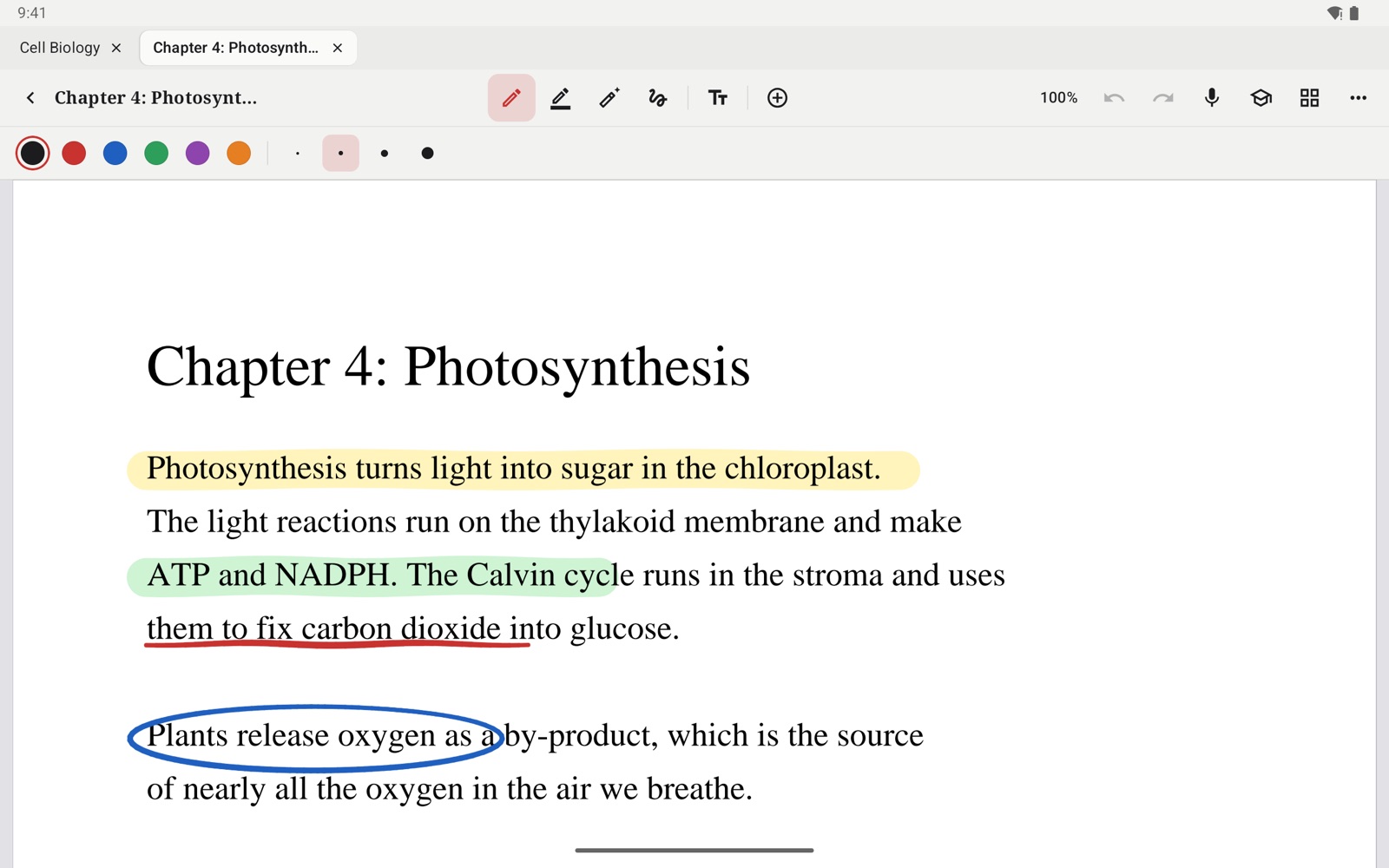
Bring in textbooks, slides and papers. Highlight, underline and circle right on the page, add sticky notes and stamps, then export the whole thing as a PDF to share.
Study AI
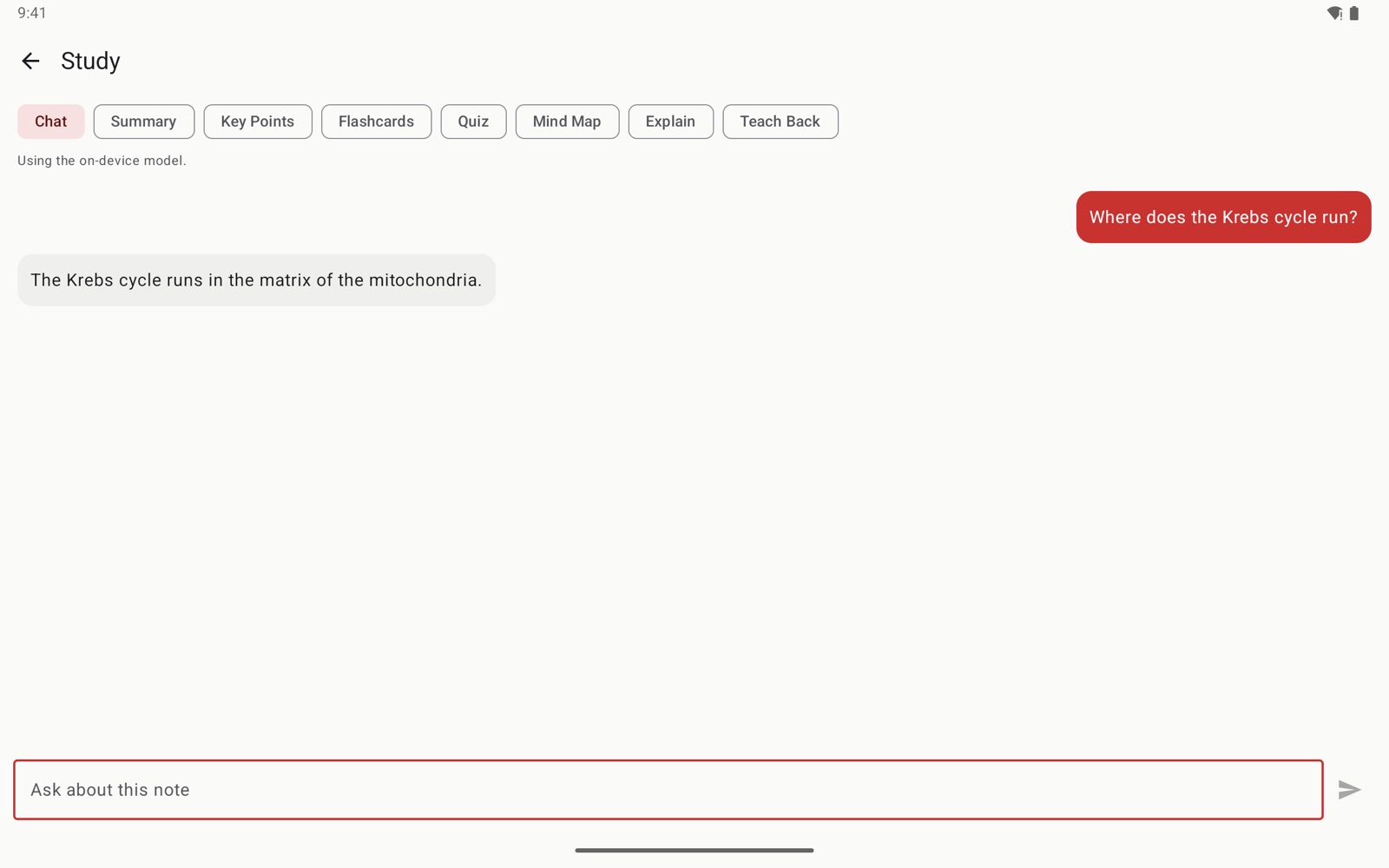
Get answers from what you wrote, then turn any note into a summary, key points, flashcards with spaced review, a quiz or a mind map. A private model runs on your device. Add your own NVIDIA key for a stronger one, and Margin falls back to the device whenever it can't answer.
Library
Folders, tags, notebook covers, templates and tabs for the notes you have open. Search reaches your typed text, your PDFs and your handwriting.
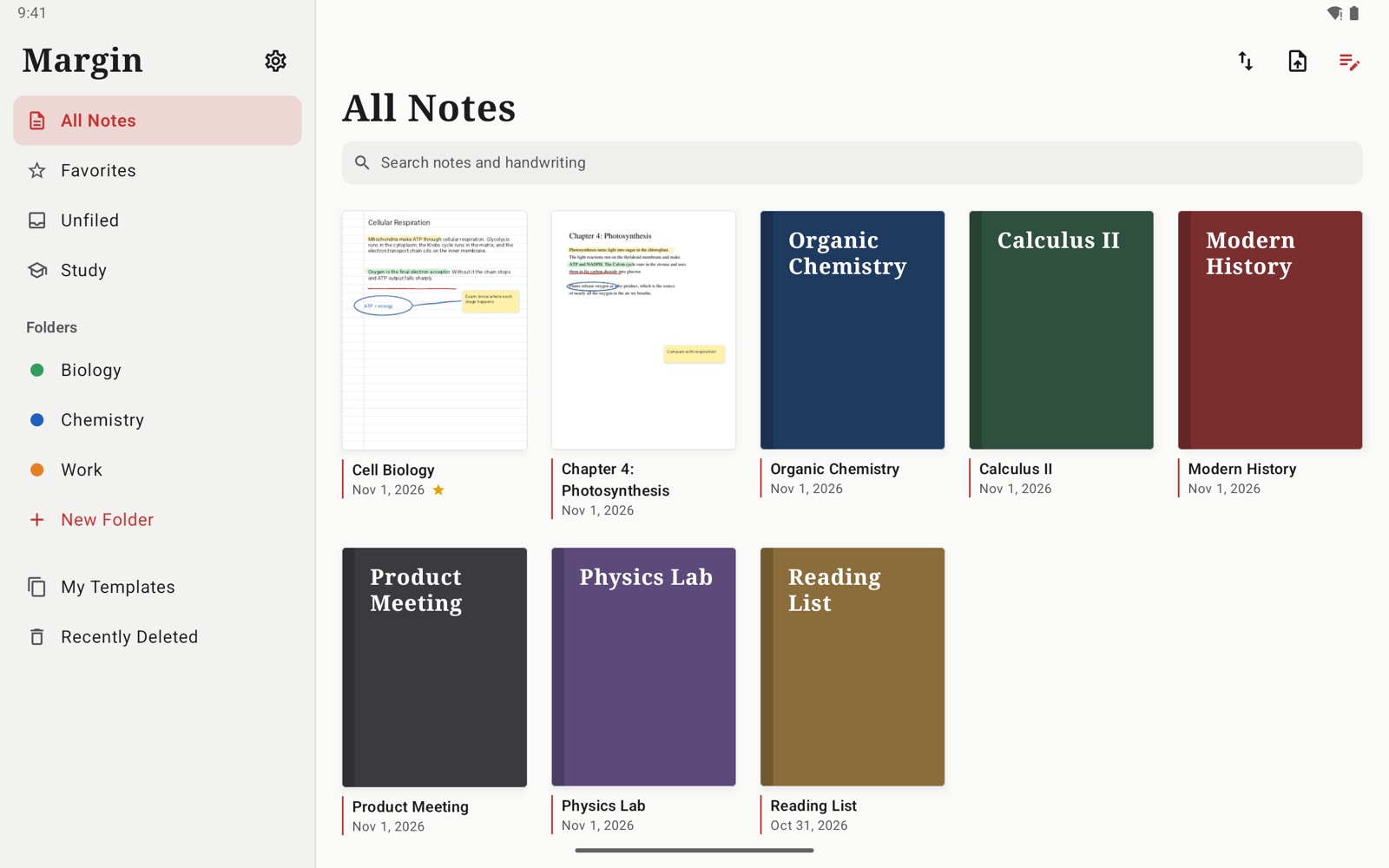
Screens shown from the Android app.
And the rest
Tap any line you wrote to hear what was being said at that moment.
Flashcards come back right before you would forget them.
See how a whole chapter fits together, built from your own notes.
Ruled, grid, dotted, Cornell and more, or an endless page that grows as you write.
Share any note as a PDF or as plain text.
Keep a note behind your device's own lock.
See it move
Specs
Privacy
Open it and start writing. Nothing to sign up for, nothing to pay.
Notes live on your device and in your own iCloud Drive or Google backup.
The on-device model answers with nothing sent anywhere, even on a plane.
Install
Android 10 or later, 64-bit. The on-device AI needs 4 GB of memory or more.
Get the APKiPadOS 17 or later. Margin isn't on the App Store yet, and with a free Apple ID it has to be reinstalled every 7 days.
Get the IPAFAQ
Yes. There is no subscription and no account. The optional online AI uses your own NVIDIA API key.
Yes. Download the 1.1 GB on-device model once from Settings, and questions are answered on your device with nothing sent anywhere.
They stay on your device, and in your own iCloud Drive folder or Google backup if you use one. If you add an NVIDIA key, your question and the notes it needs are sent to NVIDIA to answer it.
No. You can write with a finger. With a stylus you also get pressure, optional tilt and palm rejection.
The core is: ink, PDFs, recording and the study tools. The iPad app is further along, with live transcripts, Live Text, iCloud sync, more paper styles and tools such as signatures and study tape. Notes don't move between the two yet.
Free, private, and ready in a minute.